


Learn Quran Microsoft Teams Step by Step has become one of the most reliable ways for Muslims worldwide to study the Quran with qualified teachers without being limited by geography. Whether you are taking your first steps in Quran reading, improving Tajweed, or helping your child begin a structured Islamic education, Microsoft Teams provides a practical environment for live learning that combines flexibility with direct teacher interaction.
Unlike recorded courses, live Quran lessons encourage immediate correction, continuous feedback, and meaningful communication between the student and the teacher. Features such as screen sharing, file exchange, scheduled classes, and high-quality audio make it easier to study Quran recitation with accuracy while following a consistent learning plan.
This guide explains how Microsoft Teams Quran classes work, who benefits most from them, what to expect during your lessons, and how to choose a program that supports long-term progress rather than short-term results.
Why More Students Choose Learn Quran on Microsoft Teams?

Learning the Quran online is no longer simply an alternative to traditional classrooms. For many Muslim families, it has become the preferred option because it combines convenience with individual attention.
Students can connect with qualified Quran teachers from almost any country without spending time traveling to local Islamic centers. This flexibility is especially valuable for families living in North America, Europe, Australia, or regions where experienced Quran instructors are not always available nearby.
Another advantage is personalized learning. Instead of following the pace of a large classroom, every lesson focuses on the individual student’s level, allowing the teacher to spend more time correcting pronunciation, strengthening Tajweed, and reviewing memorization. You can also explore our online quran academy for sisters resource.
Because classes are scheduled around the students’ availability, it also becomes easier to maintain consistency throughout the year.
Online Quran Academy Qalam
Online Quran learning is now one of the most flexible and effective ways to study the Holy Quran from home. It allows students to connect with qualified teachers in real time and improve their recitation step by step with proper guidance.
At Qalam Quran Academy, learners receive structured online Quran programs designed for all levels. The academy focuses on correct pronunciation, Tajweed rules, and practical training through interactive lessons. This helps students build confidence, improve fluency, and strengthen their connection with the Quran.

Microsoft Teams Features for Effective Learning Quran, Online Classes
The success of online Quran learning with Teams is not only about video calls. Microsoft Teams combines several educational tools that make live Quran instruction more organized and interactive.
Audio Quality
Accurate Quran recitation depends on hearing every Arabic letter clearly. Strong audio quality helps teachers identify pronunciation mistakes and explain Makharij more effectively.
According to Microsoft’s official guidance, Microsoft Teams supports high-quality voice and video communication over standard broadband connections, making it well suited for educational environments where clear audio is essential.
Private Classrooms
Every student joins a private meeting space rather than a public classroom. This creates a secure learning environment where children and adults can focus without unnecessary interruptions.
Screen Sharing
Teachers can display digital Mushafs, Noorani Qaida pages, Tajweed diagrams, and lesson notes while explaining each concept step by step. For more detail, check out our female quran classes page.
Visual explanations often make difficult pronunciation rules much easier to understand.
File Sharing
Homework, revision schedules, Quran worksheets, and lesson summaries can all be shared inside Microsoft Teams, allowing students to continue learning after class.
Works on Any Device
Students can join Quran lessons on Microsoft Teams using a laptop, desktop computer, tablet, or smartphone.
This flexibility allows learning to continue whether students are at home, traveling, or away from their usual study space.
Before Starting Your Learn Quran Microsoft Teams First Lesson
Many students focus on choosing an academy but overlook small preparations that make online learning much smoother.
Before your first class, it is helpful to:
- Install the latest version of Microsoft Teams.
- Test your camera and microphone.
- Keep your Mushaf or Noorani Qaida beside you.
- Join the meeting five minutes early.
- Choose a quiet room with good lighting.
- Turn off phone notifications during class.
These simple steps reduce technical interruptions and allow both the student and teacher to focus entirely on Quran learning.
Who Can Benefit from Learning Quran Microsoft Teams Classes?
One reason Learn Quran online Microsoft Teams has become increasingly popular is that it serves learners of different ages and experience levels. It’s also worth reading our arabic alphabet for beginners page.
Young Children
Children usually begin with Arabic letters, Noorani Qaida, and short Surahs.
Individual lessons allow teachers to keep children engaged while correcting mistakes gently and encouraging confidence from the beginning.
Adult Beginners
Many adults hesitate because they believe they started learning too late.
Personalized online lessons remove this concern by allowing students to progress privately without comparing themselves to others.
Students Improving Tajweed
Some learners already read the Quran but wish to improve pronunciation and fluency.
Live correction during recitation helps eliminate recurring mistakes before they become permanent habits.
Hifz Students
Students following a memorization program benefit from structured revision plans, regular assessments, and continuous teacher supervision.
Busy Professionals
Flexible scheduling allows working adults to attend live Quran classes through Microsoft Teams before work, after work, or on weekends without disrupting their responsibilities. Feel free to browse our way learn quran page for more.
Requirements for Learning the Quran Microsoft Teams Online Classes
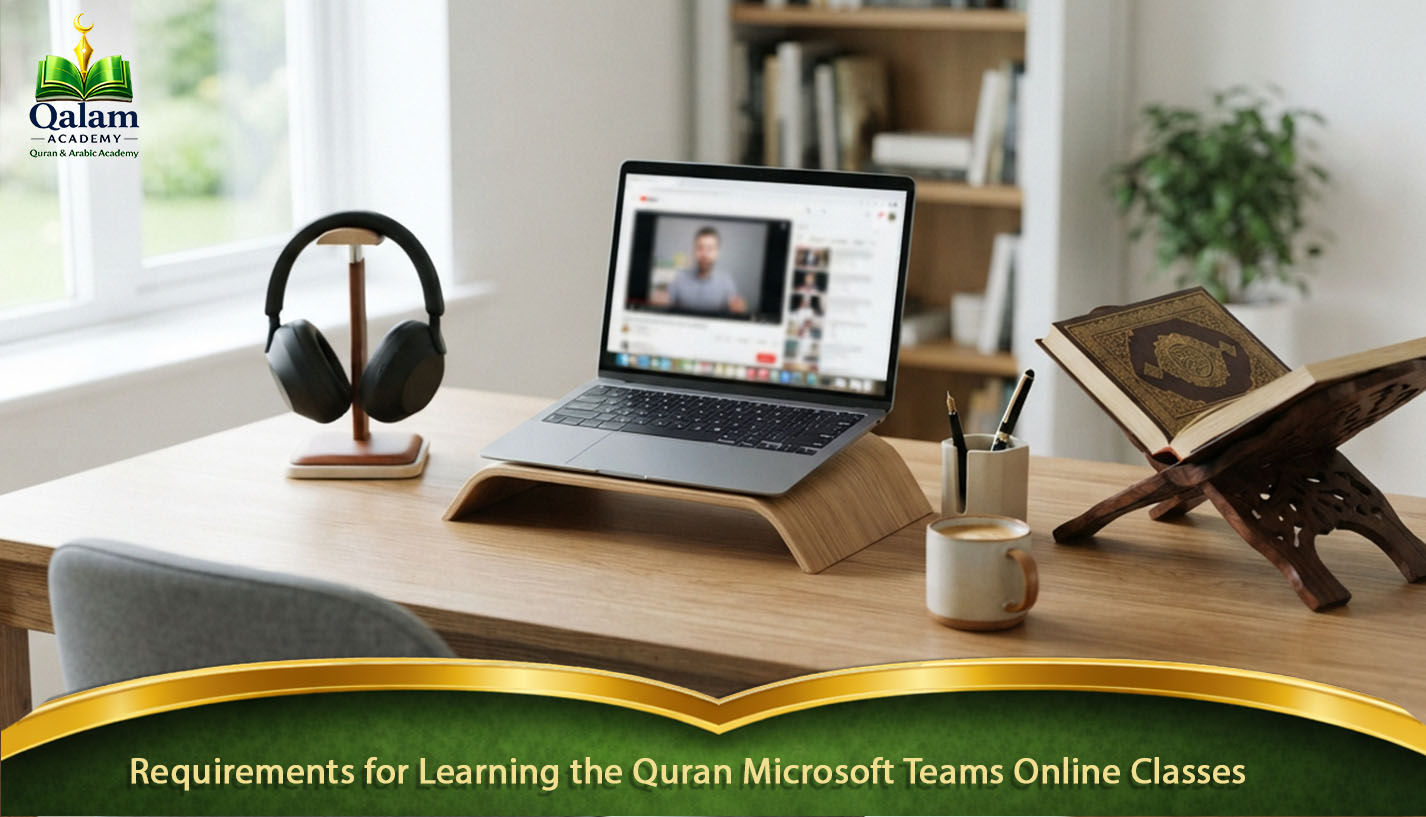
Many people assume online Quran learning requires expensive equipment. In reality, the basic requirements are simple.
| Requirement | Recommendation |
|---|---|
| Internet | Stable broadband connection (5–10 Mbps or higher) |
| Device | Laptop, desktop, tablet, or smartphone |
| Camera | HD camera for better interaction |
| Microphone | Clear headset or built-in microphone |
| Quran | Printed Mushaf or approved digital copy |
| Study Space | Quiet room with minimal distractions |
Testing your equipment before class helps avoid unnecessary delays.
Parents of younger children are encouraged to remain nearby during the first few lessons until their child becomes comfortable using Microsoft Teams independently.
Inside a Learn Quran Microsoft Teams Lesson Step by Step
Professional Microsoft Teams Quran classes follow a structured teaching process rather than simply asking students to read verses aloud. Most lessons include:
- Reviewing the previous lesson.
- Correcting pronunciation mistakes.
- Introducing new Quran passages.
- Applying Tajweed rules during recitation.
- Memorization practice when appropriate.
- Homework and revision guidance.
This balanced structure helps students improve reading accuracy while steadily building confidence and long-term retention.
At Qalam Quran Academy, every lesson follows an individualized learning plan. Instead of rushing through pages, teachers focus on helping students master each stage before introducing new material. This gradual approach supports stronger Quran recitation, more accurate Tajweed, and sustainable progress for learners of all ages.
Choosing the Right Teacher to Learn the Quran on Microsoft Teams Classes
Technology makes online learning possible, but the teacher determines how effective it becomes. Microsoft Teams is simply the classroom—the real learning experience depends on the instructor’s ability to teach, motivate, and adapt to each student’s progress.
When comparing Quran tutoring on Microsoft Teams, look beyond the software and evaluate the teacher’s qualifications, teaching style, and communication skills. A qualified Quran tutor should: We also cover this in our learn and memorize quran guide.
- Recite the Quran with accurate Tajweed.
- Understand the correct Makharij of every Arabic letter.
- Have experience teaching your age group.
- Adjust lesson speed according to your progress.
- Encourage questions during class.
- Provide regular feedback after each lesson.
- Build confidence through positive reinforcement instead of criticism.
Students who feel comfortable making mistakes usually improve much faster because they participate actively instead of worrying about being corrected.
One Student, One Learning Plan
One-to-one instruction is one of the biggest reasons many families choose to learn the Quran via Microsoft Teams instead of traditional classroom settings.
Rather than dividing attention among many learners, the teacher focuses entirely on one student.
This allows every lesson to be adjusted according to individual goals.
For example:
| Student Goal | Recommended Focus |
|---|---|
| Complete beginner | Arabic letters and Noorani Qaida |
| Improve recitation | Quran reading with Tajweed |
| Memorize the Quran | Structured Hifz program |
| Refresh previous knowledge | Revision and fluency practice |
| Children | Interactive reading with short Surahs |
Students who later wish to specialize can continue with dedicated Noorani Qaida, Quran Tajweed, Quran Hifz, or online Arabic classes, making it easier to build a complete learning journey without changing learning methods.
What Experienced Quran Teachers Notice After the First Month?
Teachers who regularly conduct live Quran classes through Microsoft Teams often observe similar learning patterns, regardless of the student’s age or previous reading level. In fact, many teachers notice that students who follow a consistent learning routine usually achieve better results than those who depend only on occasional practice.
For example, students attending two or three shorter lessons every week often make steadier progress than those who choose one long weekly class. This approach allows learners to practice regularly and correct mistakes before they become difficult habits.
Additionally, learners who spend just ten minutes reviewing before every lesson usually require fewer pronunciation corrections over time. As a result, they develop stronger reading confidence and become more comfortable applying Tajweed rules during recitation.
Furthermore, teachers notice that confidence improves naturally when students receive immediate feedback instead of waiting until the next lesson. Therefore, regular communication between teachers and students plays an important role in building accurate Quran reading skills.
Moreover, small improvements every week often produce better long-term results than trying to memorize large portions quickly. For this reason, many successful online Quran programs focus on consistency, patience, and gradual improvement rather than speed.
Small Habits That Make a Big Difference
Progress is often influenced by daily habits rather than lesson length alone. Therefore, experienced Quran tutors encourage students to develop simple routines that support their learning journey outside live classes. For example, students can follow these practical habits:
- Join the class five minutes early.
- Keep your Mushaf open before the lesson starts.
- Wear headphones whenever possible.
- Place the microphone close while reciting.
- Spend five to ten minutes reviewing the previous lesson.
- Write down Tajweed corrections in a notebook.
- Practice difficult words immediately after class.
- Turn off notifications to avoid distractions.
In addition, these habits require very little time but can create noticeable improvements after only a few weeks. As a result, students become more prepared, focused, and confident during their Microsoft Teams Quran classes.
Microsoft Teams vs Zoom vs Google Meet
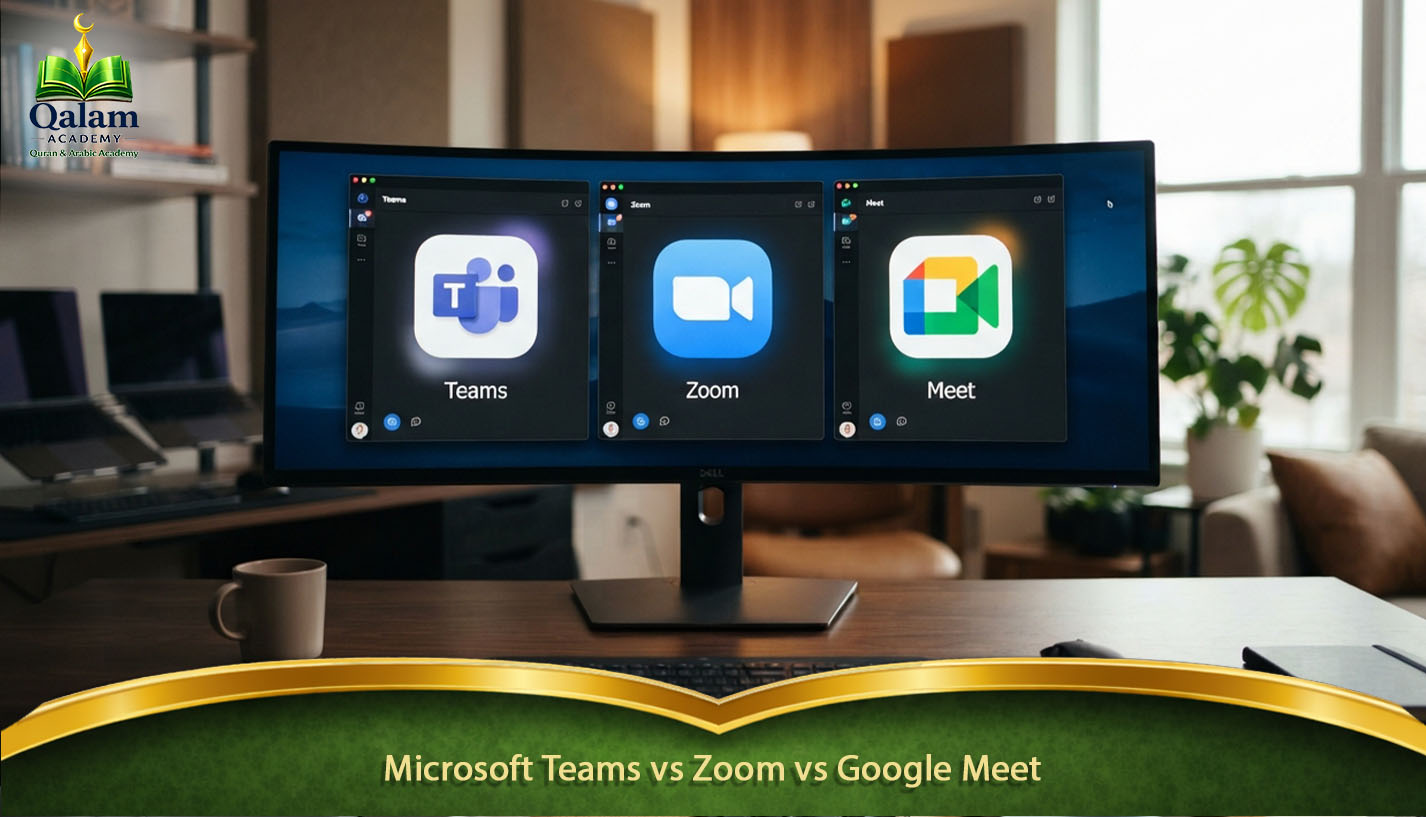
Parents often compare different video platforms before enrolling in an online Quran program. Although several applications can support live lessons, each platform offers different features that may affect the learning experience.
For instance, Microsoft Teams, Zoom, and Google Meet all provide video communication and screen sharing. However, they differ in classroom organization, file management, and long-term learning support.
| Feature | Microsoft Teams | Zoom | Google Meet |
|---|---|---|---|
| Audio quality | Excellent | Very Good | Good |
| Screen sharing | Excellent | Excellent | Good |
| File sharing | Built-in | Limited | Basic |
| Lesson scheduling | Excellent | Good | Good |
| Classroom organization | Excellent | Moderate | Basic |
| Homework management | Built-in | Limited | Limited |
| Security controls | Strong | Strong | Good |
Overall, while each platform can support online Quran education, Microsoft Teams Quran classes provide teachers with a more organized workspace. Moreover, tutors can manage lessons, assignments, files, and communication in one place instead of switching between multiple applications.
Do You Need Microsoft Teams for learning Quran Online Classes?
The short answer is yes. Although Microsoft Teams can sometimes be accessed through a web browser, installing the desktop or mobile application usually creates a smoother and more reliable learning experience.
Additionally, the application provides several benefits, including:
- Better audio stability.
- Faster screen sharing.
- More reliable notifications.
- Easier access to homework files.
- Improved classroom management.
Furthermore, most Quran academies send a private class link before the first lesson. As a result, students can join quickly with one click after installing Microsoft Teams.
Therefore, preparing the application before the first class helps avoid technical problems and allows students to focus completely on learning Quran.
Can Tajweed Be Learned Through Microsoft Teams Quran Classes?
Many beginners wonder whether pronunciation can be corrected accurately through a screen. However, experienced Quran teachers have developed effective methods that make online Tajweed learning practical and successful.
In fact, the teaching process usually follows a structured approach that is similar to face-to-face instruction. The process commonly includes four steps:
- The student recites a verse.
- The teacher listens carefully without unnecessary interruption.
- Pronunciation mistakes are explained with clear examples.
- The student repeats the verse until the articulation becomes accurate.
Moreover, screen sharing allows tutors to highlight Tajweed rules, mark difficult words, and explain pronunciation visually. Because of this, many students find that Learn Quran Microsoft Teams programs provide an interactive experience that supports accurate recitation.
Consequently, online Quran learning with Teams can be just as effective as traditional classroom education when students receive guidance from qualified teachers.
Learn Quran Microsoft Teams Methods for Better Memorization
Successful Quran learning is not based on repetition alone. In fact, effective memorization depends on using proven study methods that help students retain information for a longer period.
For example, spaced repetition is one of the most useful techniques because it encourages learners to review information at gradually increasing intervals. As a result, students strengthen their memory and reduce the possibility of forgetting previously learned verses.
Therefore, experienced Quran teachers encourage students to review older verses before starting new material. Instead of memorizing several new pages quickly, learners who balance revision with new lessons usually develop stronger and more stable memorization.
Moreover, many structured Quran lessons on Microsoft Teams follow this approach because it helps students improve both recitation accuracy and long-term retention. Consequently, learners can build a strong Quran foundation without feeling overwhelmed by large amounts of new material.
Weekly Routine for Successful Learning Quran Microsoft Teams Students
Consistency has a greater impact on Quran learning than the number of hours spent studying in a single session. For this reason, students who follow a realistic weekly routine often achieve better progress than those who study intensely for a short time and then stop.
In addition, a balanced schedule allows students to combine teacher guidance with independent practice.
A suitable weekly routine might include:
| Day | Recommended Activity |
|---|---|
| Monday | Live Quran lesson |
| Tuesday | 10–15 minutes of revision |
| Wednesday | Live Quran lesson |
| Thursday | Review previous memorization |
| Friday | Listen to the assigned Surah |
| Saturday | Live lesson or self-practice |
| Sunday | Weekly revision and goal review |
Furthermore, this routine supports Learn Quran Microsoft Teams programs by combining live instruction with personal effort. Even though daily practice may require only a few minutes, it can create a noticeable improvement over several months.
Therefore, students should focus on building a sustainable habit instead of depending on long study sessions that may become difficult to maintain.
How long does learning the Quran on Microsoft Teams take?
There is no single timeline for learning the Quran online because every student begins with a different level of Arabic knowledge, reading ability, and personal commitment. However, students who attend classes regularly and revise between lessons often follow a clear learning path.
| Learning Stage | Estimated Time* |
|---|---|
| Arabic letters and pronunciation | 1–2 months |
| Noorani Qaida | 2–4 months |
| Comfortable Quran reading | 6–9 months |
| Confident recitation with Tajweed | 9–18 months |
| Quran memorization (Hifz) | Depends on personal goals |
*These estimates assume regular attendance, qualified instruction, and consistent revision outside class.
Rather than focusing only on finishing quickly, students should aim for accurate reading and strong retention. In other words, steady improvement usually creates better results than rushing through lessons.
As a result, learners who choose a structured Learn Quran Microsoft Teams program can progress according to their ability while developing lasting Quran skills.
Common Learn Quran Microsoft Teams Mistakes That Slow Progress
Attending Microsoft Teams Quran classes alone does not guarantee improvement. Instead, daily habits outside the classroom often determine how quickly students develop reading fluency and confidence. Students who learn with a female Quran teacher often feel more comfortable asking questions and practicing recitation regularly, which helps them avoid common learning mistakes.
Skipping Revision
Learning new verses without reviewing previous lessons can make memorization weaker. Therefore, students should regularly revisit older material to strengthen long-term memory. If you’re interested, see our arabic academy online page.
Prioritizing Speed
Trying to complete pages quickly may create pronunciation mistakes that require additional correction later. For this reason, students should focus on accuracy before increasing reading speed.
Missing Lessons Frequently
Long gaps between classes can interrupt learning progress. Consequently, students may forget Tajweed rules and need extra time to rebuild their previous level.
Setting Unrealistic Goals
Trying to memorize too much too quickly can lead to frustration. Instead, smaller and achievable goals help students stay motivated throughout their Quran journey.
Avoiding Questions
Some students hesitate to ask about difficult words or Tajweed rules. However, asking questions early helps prevent confusion and allows teachers to provide better guidance.
Signs Your Learn Quran Microsoft Teams Course Is Working
Progress should never be measured only by the number of completed pages. Instead, successful Quran learning produces several visible improvements in reading ability, confidence, and understanding, especially for students enrolled in an online Quran academy for beginners that follows a structured curriculum. For example, you are likely making steady progress if:
- Your pronunciation becomes clearer every month.
- Tajweed mistakes become less frequent.
- Reading feels smoother and more natural.
- Previously memorized Surahs remain strong after revision.
- Your teacher introduces advanced material gradually.
- You look forward to lessons instead of feeling anxious.
Moreover, parents often notice similar improvements in children, including increased confidence, better concentration, and a stronger willingness to recite aloud. As a result, these positive changes show that the learning method is supporting long-term Quran development.
Is Learn Quran on Microsoft Teams Better Than Skype?
Skype was once a popular platform for online learning. However, many modern Quran academies now prefer Microsoft Teams because it offers more educational features in one organized environment. Although some institutions still provide online Quran classes via Skype, many students today choose Microsoft Teams for its improved classroom management and collaboration tools.
Compared with Skype, Microsoft Teams provides: Take a look at our learn arabic for quran guide as well.
- Better classroom organization.
- Easier lesson scheduling.
- Built-in file sharing.
- Stronger collaboration features.
- Improved management for recurring classes.
Furthermore, teachers can organize assignments, communicate with students, and manage lesson materials more efficiently.
Therefore, students who attend regular Quran classes for several months may benefit from the smoother learning experience that Microsoft Teams provides.
Why Families Prefer Structured Learn Quran Microsoft Teams Programs?
The most successful students rarely follow random lessons. Instead, they learn through a structured curriculum where every stage prepares them for the next one. For example, a typical learning progression includes:
- Arabic alphabet recognition.
- Noorani Qaida.
- Quran reading.
- Tajweed application.
- Fluency development.
- Memorization (Hifz).
- Continued revision.
Many academies also provide the best online Quran lessons for adults alongside children’s programs, allowing learners of every age to study according to their level and personal goals.
In addition, students interested in advanced learning can continue with dedicated Quran Hifz courses, online Tajweed programs, or online Arabic classes after completing their reading foundation.
Consequently, this gradual approach helps students improve confidently without feeling overwhelmed.
How does Qalam Quran Academy support learning the Quran on Microsoft Teams for students?
Technology creates the classroom. However, a structured teaching system determines how effectively students progress.
At Qalam Quran Academy, every student begins with an assessment to identify reading ability, pronunciation level, and personal learning goals. After that, teachers create a personalized learning plan that develops naturally as the student improves. You can also explore our learn tajweed quran resource.
The academy offers online Quran classes via Zoom in addition to Microsoft Teams, giving students flexible options that suit different devices, internet connections, and learning preferences. The academy also provides:
- Live one-to-one Quran classes through Microsoft Teams.
- Qualified male and female Quran teachers.
- Noorani Qaida for beginners.
- Quran reading with Tajweed.
- Personalized Hifz programs.
- Flexible scheduling for international students.
- Regular progress evaluations.
- Family-friendly lesson arrangements.
Moreover, this personalized approach allows students to learn at a comfortable pace while maintaining consistent improvement throughout their Quran journey. As a result, learners receive both professional guidance and the flexibility needed to achieve their goals.
Checklist for Choosing a Learn Quran Microsoft Teams Academy

Before enrolling in any online Quran academy, students and parents should compare educational quality rather than focusing only on tuition fees. In fact, choosing the right learning environment can have a major impact on progress, motivation, and long-term success. For example, families should consider the following questions before making a decision:
| Question | Why It Matters |
|---|---|
| Are teachers qualified in Tajweed? | Ensures correct Quran recitation. |
| Are classes live? | Live interaction improves learning quality. |
| Is one-to-one instruction available? | Provides personalized attention. |
| Is there a structured curriculum? | Prevents random lesson progression. |
| Are progress reports provided? | Helps students monitor improvement. |
| Is a free trial available? | Allows families to evaluate teaching quality. |
| Are schedules flexible? | Supports different time zones. |
| Is technical support available? | Reduces interruptions during lessons. |
Additionally, students should check whether the academy provides regular feedback and follows a clear teaching method. As a result, choosing a program based on these factors often leads to a more productive and enjoyable Quran learning experience.
Frequently Asked Questions About Learning Quran on Microsoft Teams
Students and parents often have practical questions before joining the Learn Quran Microsoft Teams programs. Therefore, understanding these common concerns can make the enrollment process easier and help families choose the right learning option with confidence.
Is Microsoft Teams free for students?
Yes, Microsoft Teams offers a free version that is usually sufficient for joining live Quran classes. Moreover, most Quran academies simply provide a private meeting link, allowing students to join lessons without purchasing additional software.
However, installing the application before the first class is recommended because it often provides better audio quality, smoother communication, and easier access to learning materials.
Can I change my Quran teacher if the teaching style does not suit me?
Most professional Quran academies allow students to request a different teacher when necessary. In fact, every learner has a unique pace, personality, and preferred teaching style.
Therefore, changing instructors can sometimes improve motivation and help students achieve better learning results. Additionally, a suitable teacher-student connection often makes lessons more comfortable and productive.
How many Quran classes per week are recommended?
For most students, two or three live sessions each week provide a balanced learning schedule. Furthermore, this frequency gives learners enough time to receive teacher guidance while also practicing independently.
However, students enrolled in intensive Hifz programs may need additional lessons depending on their memorization goals and personal schedule.
As a result, the ideal number of classes depends on the student’s level, available time, and learning objectives.
Can brothers and sisters share the same Microsoft Teams account?
Policies differ between Quran academies. Generally, siblings may use the same device at different lesson times, but each student usually receives an individual schedule and personal progress record.
This approach allows teachers to track each learner’s improvement accurately. Moreover, it ensures that every student receives lessons according to their own ability and learning needs.
In conclusion, Learn Quran Microsoft Teams provides a modern and flexible way for students of all ages to study the Quran with qualified teachers from anywhere in the world. Through live classes, direct communication, and personalized guidance, learners can improve their Quran reading, Tajweed skills, and overall confidence in a comfortable learning environment.
Unlike traditional methods that may require traveling or fixed schedules, Microsoft Teams Quran classes allow students to learn according to their availability while maintaining regular progress. With the support of experienced tutors, structured lesson plans, and continuous feedback, students can build strong Quran foundations and develop lasting recitation habits.
At Qalam Quran Academy, every learner receives an organized learning experience designed around their goals and ability level. Whether you are a beginner, a Tajweed learner, or a student working on Hifz, starting your journey with Learn Quran Microsoft Teams can help you achieve steady and meaningful Quran learning progress.